I am a UX Designer, not a developer. I can speak to the "vibe" and structure of a website, but I don't write the scripts.
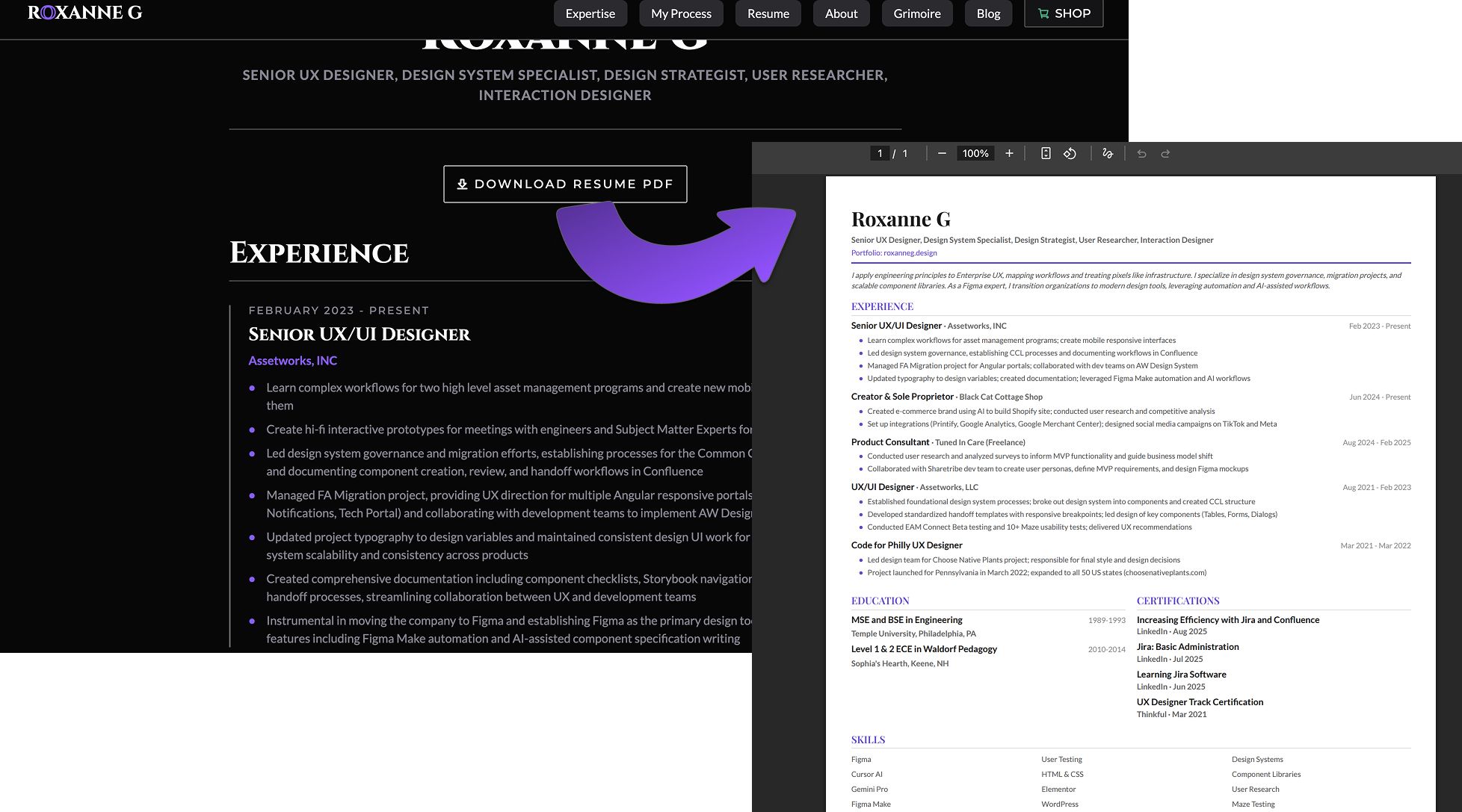
Yesterday, I hit a classic portfolio pain point: The PDF Resume. We all know we need a downloadable PDF for recruiters. But I hate the workflow of manually updating a Word doc every time I tweak my portfolio text. It feels like double entry.
Step 1: The Builder (Cursor): I asked Cursor to solve this. I basically said: "I want a button that lets people download my About page as a PDF." I watched the code fly by 🤯. Cursor wrote a script that takes my live website content and formats it into a PDF. I didn't have to look up libraries or learn syntax.
Step 2: The Strategist (Gemini): I thought I was done, but I ran the workflow past Gemini (my AI critique partner). Gemini immediately pushed me further: "Why run that script manually? Tell Cursor to make it happen automatically every time you deploy."
The Result: I went back to Cursor with Gemini's instructions. Now, whenever I push an update to my site, the PDF regenerates automatically in the background.
Update the site? The PDF updates too.
Zero friction.
Zero version control errors.
This is why I love this new era of AI-augmented design. It removes the technical friction and lets me focus entirely on the content and the experience.
#VibeCoding #Cursor #Gemini #AI #UXDesign #Portfolio #NoCode #DesignOps