This article is also posted on linkediN
My husband Tom Boutell and I spent the last week deep-diving into our 2025 budget. We are savers by nature—trying to fill buckets for retirement, travel, and three expensive cats! But like many, we hit a roadblock when analyzing our credit card statements: The Amazon Black Hole.
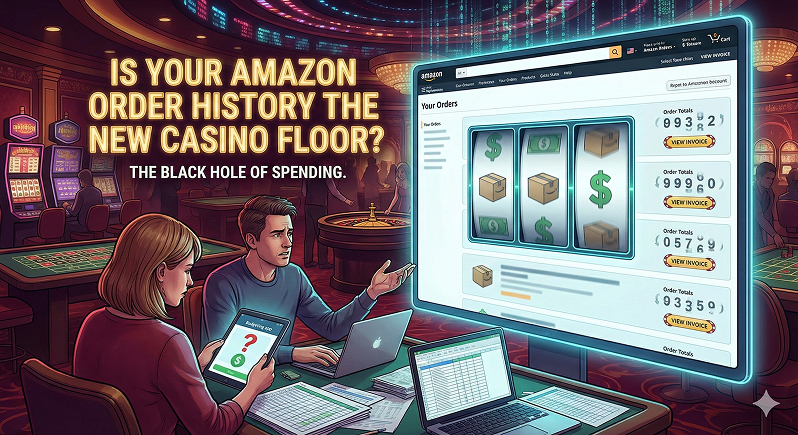
The UX Problem: Amazon's shopping experience is slick. It is low-friction, intuitive, and designed for flow. But try to answer a simple budgeting question: "What is the total sum of my purchases in the last 30 days?"
Suddenly, the friction skyrockets.
- No Running Totals: The "Orders" page lists items, but hides individual costs behind a "View Invoice" click. There is zero visibility on a cumulative total.
- Data Gatekeeping: To get a spreadsheet, you must navigate to "Request Your Data," wait for approval, wait up to two days for an email, download a ZIP, and parse multiple CSVs.
The Diagnosis: This feels like a Dark Pattern. It is akin to casinos removing clocks and windows so players lose track of time. The interface is optimized to minimize the "pain of paying" and obscure the velocity of spending.
The AI Solution: I realized we could fix this with code. I've been doing a lot of "vibe coding" with Cursor lately (See my posts on building my Portfolio 2.0) and am aware of chrome extensions that are data scrapers that could possibly calculate a total.
My husband and I flipped a coin for who got to build it—he won. Using AI tools, he spun up a private extension that filters our view and finally shows us exactly what we've spent.
Check out Tom's post on LinkedIN for the technical breakdown of how we brought transparency back to our shopping history!
#UXDesign #DarkPatterns #Budgeting #VibeCoding #AI #UserExperience