I just shipped the technical infrastructure for the new blog section of my portfolio using Cursor AI. Now I just need to write the posts to fill those placeholder slots! ✍️
Welcome to "From the Grimoire" This will be the home for my thoughts on design, data, cats, AI, and the macabre. (See screenshot for the vibe).
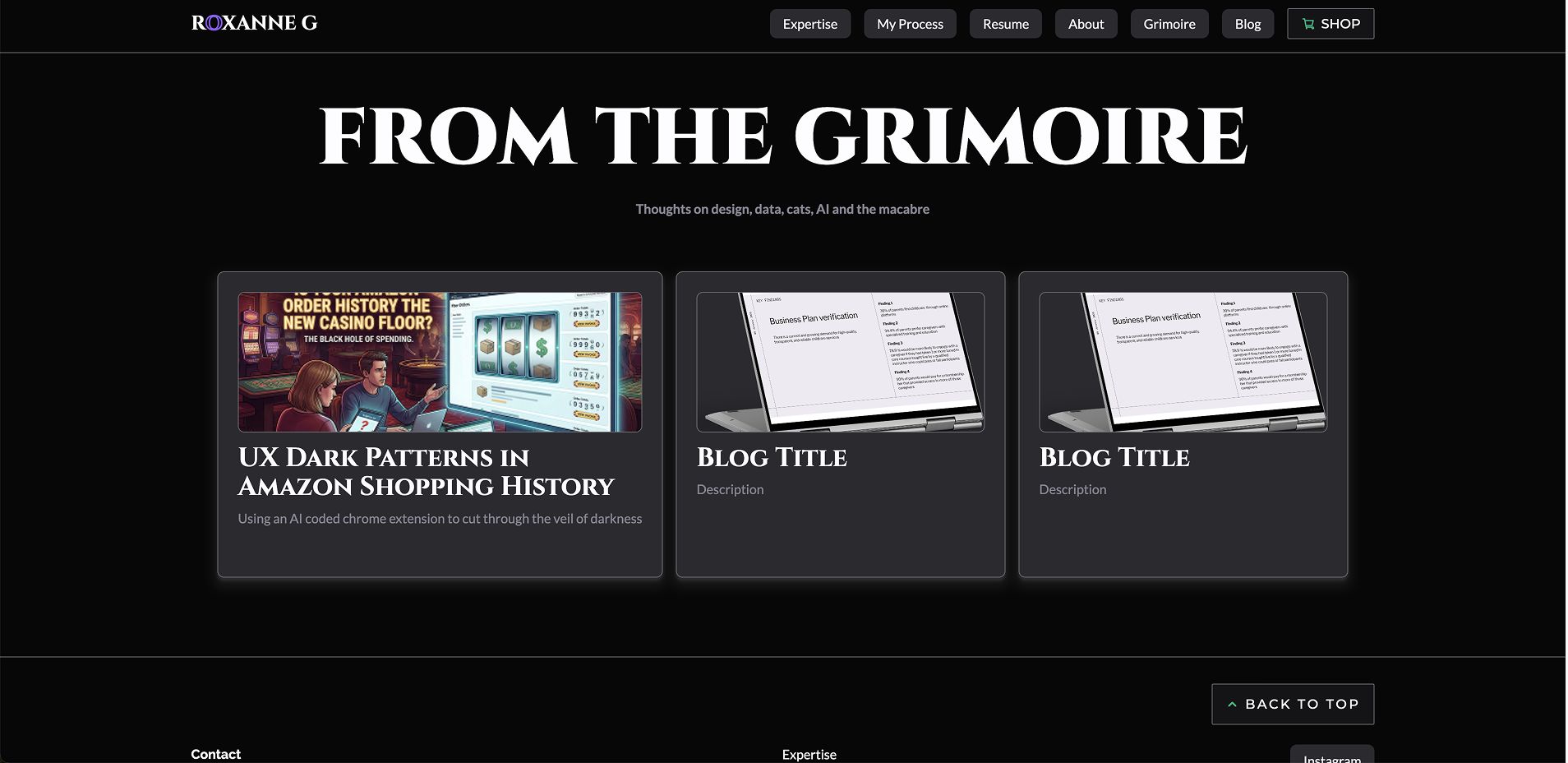
✅ Full Structure: Created blog.html and blog-post.html with responsive
navigation.
✅ Figma Integration: Used Figma MCP to pull design specs, typography, and spacing directly into the
code.
✅ Styling: Implemented proper typography, green accent links, and ordered lists.
✅ Interaction: Added hover effects to blog cards (subtle lift + purple glow) to match the homepage
case studies.
✅ Responsive: Fully optimized down to mobile.
The Workflow: Design in Figma → Extract specs via MCP → Build with Cursor → Iterate. AI handles the implementation details, allowing me to focus entirely on design decisions and UX.
The Content Strategy: I'm shifting to a "write once, publish everywhere" model. I will write on my personal blog first to ensure I own my content, then syndicate it here to LinkedIn. (Next challenge: figuring if I can automate that push to LinkedIn directly via Cursor/API! 👀)
The Takeaway: AI tools like Cursor are incredibly powerful when paired with robust design systems and clear intent. The result feels cohesive, intentional, and fast.
#UXDesign #WebDevelopment #CursorAI #AICoding #PortfolioDesign #WebDesign #DesignSystems #ContentStrategy #IndieWeb #PersonalBranding