I’ve spent the last two months experimenting with different AI workflows to find the perfect fit for a "Design Engineer" mindset. This week, I moved my portfolio project into Google Antigravity, which gave me a chance to compare the three major AI archetypes I've tested so far.
As a UX Designer, I’m fascinated by how the interaction model changes with each tool. It’s no longer just "coding with AI"—it’s about finding the right workflow.
The 3 Approaches I've Explored:
1. The Manual Approach (Cursor + Markdown)
The Workflow: In Cursor, I found myself naturally building "Steering Documents." I created files like blog-workflow.md—essentially writing my own system prompts to guide the AI.
The Lesson: I learned that "Chat" wasn't enough. To get better code, I needed to feed the AI a spec (markdown files), not just a question. I was manually building the guardrails that I wanted the AI to follow.
2. The "Steering" Approach (Kiro)
The Shift: Then I used Kiro at work to complete tickets on our Storybook Library, which formalized what I was doing manually.
The Flow: Spec-Driven. Instead of me hacking together a markdown file, the tool itself is built around "Steering."
The Nuance: It feels like handing off a ticket to a Senior Dev. You define the What (the Spec), and it handles the How.
3. The "Management" Approach (Google Antigravity)
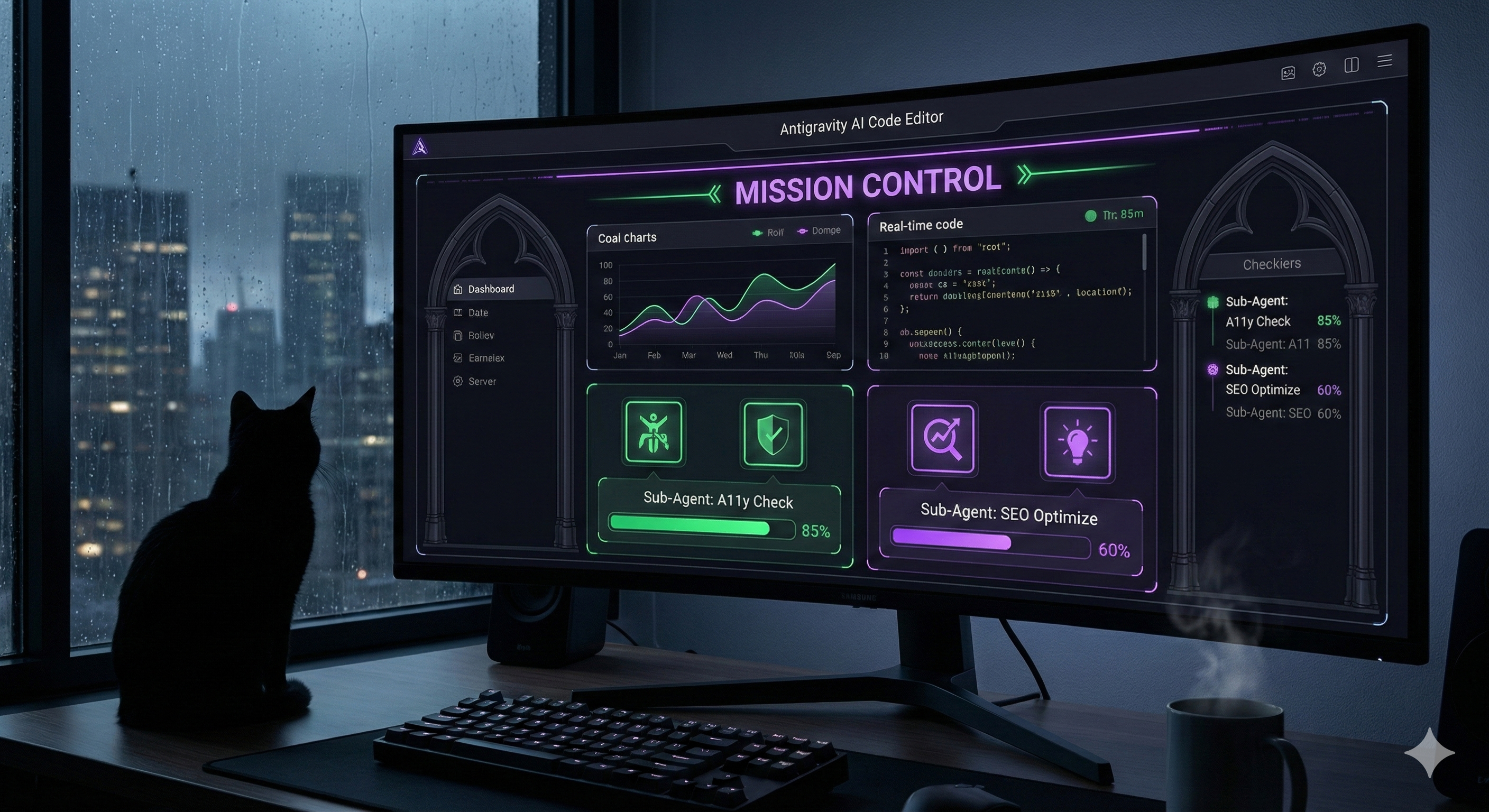
The Leap: This week, I moved to Antigravity and realized I actually stopped looking at the code editor. It was too noisy.
The Flow: Mission Control. I work almost entirely in the Agent Manager window. Instead of staring at blinking cursors, I review a Task Plan. The AI drafts the plan, shows me exactly what it’s up to, and I approve it.
The Interaction: I even had the agents refactor my old "Steering Docs" to be interactive. Now, instead of me pushing a prompt, the Agent reads the plan and interviews ME to get exactly what it needs. I also used the Agent Manager to adjust my whole portfolio site's SEO including Opengrah Images for specific pages. The agent nano-bots also crawled the site and reported on WCAG fixes needed and then implemented as well!
My Takeaway: My portfolio website is a far cry from a complex, data-intensive project, but I can see how a product like Antigravity might be better than Kiro for managing and enhancing the Storybook Library at work. The context window for one thing is astounding.
Discussion: For those of you coding with AI—are you "chatting" in the editor, or have you moved to a "Management" view with spec coding / agent coding?
#UXDesign #DesignEngineering #AI #GoogleGemini #Kiro #Cursor #WebArchitecture #FutureOfWork