We see a lot of demos where AI generates a perfect application in seconds. But bringing that into a complex enterprise environment—with firewalls, private libraries, and legacy code—is a different story.
Over the last few months, I’ve been trying to find a workflow that actually helps my team at AssetWorks Inc. It’s been a bit of a journey.
1. The "Sandbox" Phase 🏖️
It started outside of work. I experimented with Cursor, Antigravity, and the Figma MCP to build my personal portfolio. Seeing how fast I could move in a greenfield project gave me confidence to try similar tools in the office.
Since I was comfortable with AI coding, I started using Kiro at work—starting small. I used strict "spec coding" and steering documents to update Storybook components. Once I nailed that, I used Kiro to help upgrade our entire library to Angular 20.
2. The Reality Check 🚧
But when I tried to bring that speed into daily UX prototyping, I hit a wall.
I looked at tools like Figma Make, but between professional licensing constraints and our private firewall, the "magic" tools couldn't reach our code. I realized I couldn't just "generate" features. I needed a way to prototype that respected our security and specific infrastructure.
3. Building a Bridge (The UX Harness) 🌉
Instead of fighting the limitations, I built a small, dedicated "UX Harness."
I worked with Kiro to script a setup process that:
- Spins up a blank Angular app.
- Authenticates safely with our internal registry.
- Pulls in our actual #storybook Library
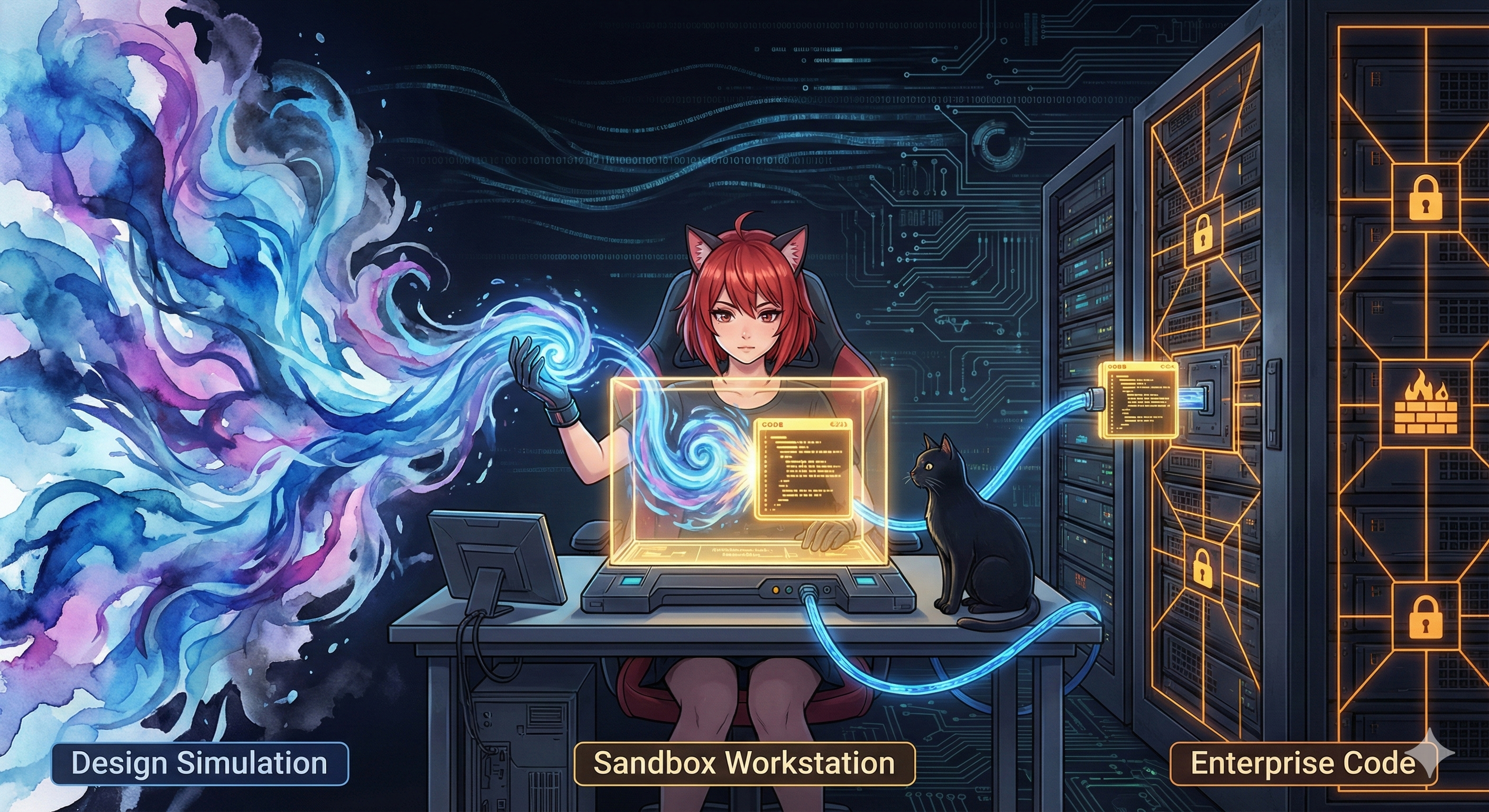
To make it scalable, I partnered with Kiro and our internal LLM to codify the setup into a reusable "Steering Document." Now, I can spin up a "Clean Room" to prototype complex logic (like user permissions) in real code without breaking the main build.
4. The Golden Moment (The Handoff) 🤝
The best part is what happens next. For four years, I’ve tirelessly built interactive Figma prototypes, but I could never seem to help developers digest them easily. The translation gap remained.
Now, instead of handing off a simulation, I hand off a "Reference Implementation." I send developers the clean .ts files and a "Proof of Life" video showing the logic working in the harness. We are testing this loop now, hoping that providing actual code rather than design intent will finally speed up production.
The Takeaway
For me, AI's value isn't replacing work, but building scaffolding around it. It’s less "vibe coding" and more about engineering a space where design and development can meet in the middle.
#UXEngineering #Angular #EnterpriseUX #Cursor #Kiro #AssetWorks #figma #Figmamake #AI #AIworkflow