In Part 1, I shared how we prototyped an AI-powered CLI tool to find and suggest fixes for WCAG ADA compliance issues on a single, 6-file legacy module. We even built a nice little dashboard to view the results. I thought we had it nailed.
Then, I ran the WAVE accessibility evaluation tool on the rendered page just to double-check our work.
WAVE immediately lit up with accessibility errors that our AI scanner had completely missed.
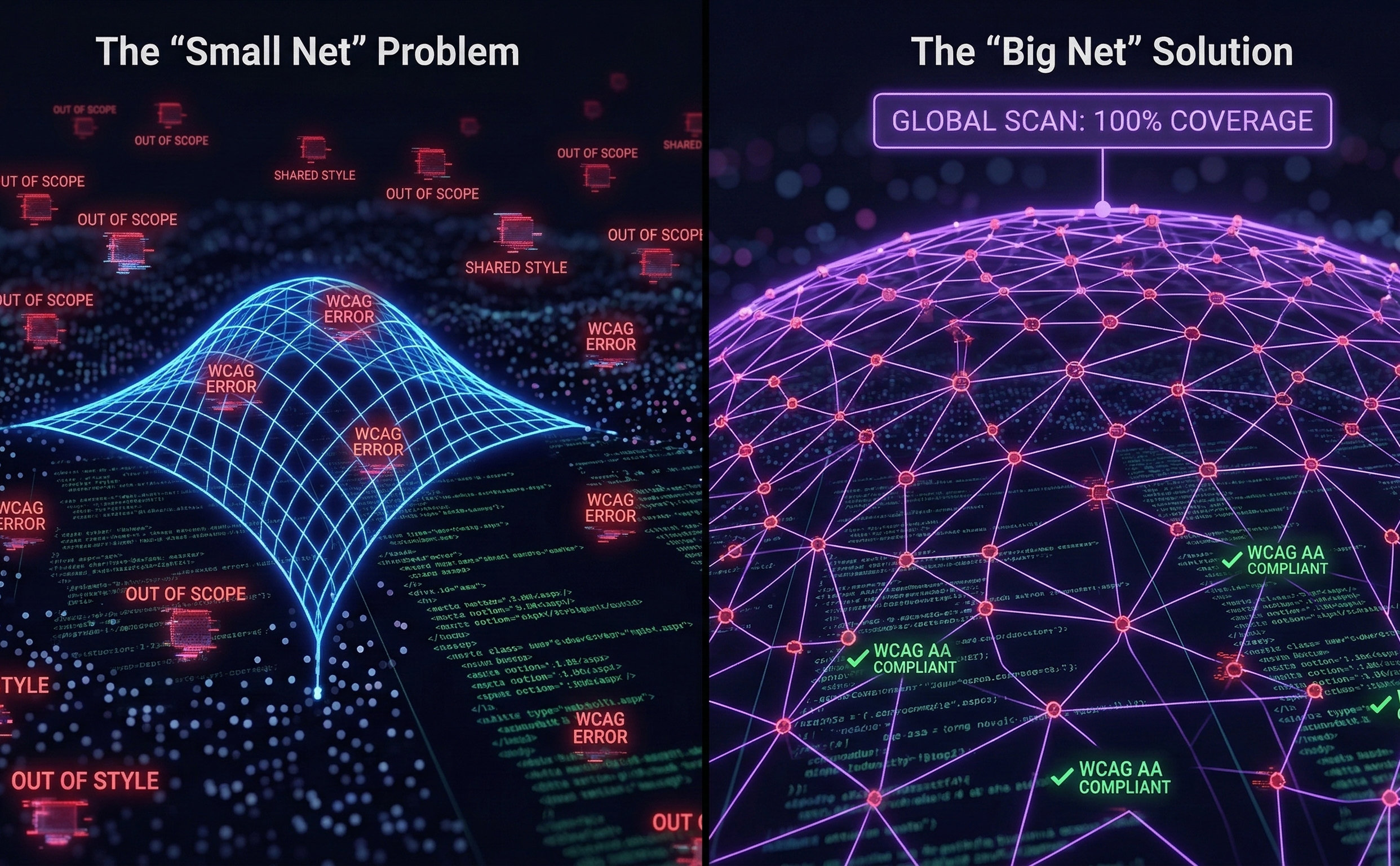
🔍 The Blindspot: "Out of Scope"
I sat down with my AI coding agent, Kiro, to debug why the scanner was ignoring these glaring issues.
The investigation revealed a classic enterprise architecture problem: The errors weren't in the 6 module files we were scanning. They were hiding in shared global stylesheets, inherited master pages, and cross-module components. Because our scanner was strictly scoped to one module's folder, those shared files were technically "out of scope." The AI literally couldn't see them.
At first, we tried playing whack-a-mole, manually adding specific shared files to the scanner's configuration. It was tedious and unsustainable.
💡 The Lightbulb Moment: Casting the Global Net
That's when it hit me. We didn't need a smarter configuration file; we needed a bigger net. If we scanned the entire codebase at once, nothing would be "out of scope."
We built a global-scan command and unleashed it recursively on the entire directory tree. In seconds, it processed 1,259 files across 40+ modules. It caught every shared style, every master component, and every inherited flaw.
The result? A massive, unified JSON file containing thousands of accessibility violations.
🏗️ The Enterprise Dashboard
But raw JSON is useless for a human triage team. To make this massive data dump actionable, I expanded our internal Angular 20 dashboard to act as a centralized remediation hub:
- Targeted Filtering: Even though we scanned globally, UX designers can filter the dashboard back down to just their specific module (e.g., "Show me all Missing Form Labels in Billing").
- The CSV Bridge: Designers can download a filtered list, review the AI's suggestions in Excel, make their "accept/modify/reject" decisions, and feed it back into the CLI to apply the patches.
- Decision Memory: The system remembers past reviews. If a shared component is fixed in one module's CSV, the dashboard automatically merges that decision across the entire global scan. No human effort is ever duplicated.
🎯 The Takeaway
When prototyping with AI, you have to verify the output with traditional QA tools. AI is incredibly fast, but if you restrict its context, it will confidently miss the big picture. By moving from a local scope to a global net — and building a UX-focused dashboard to tame the resulting data — we finally had a systemic solution for legacy tech debt.
Up next in Part 3 (the finale): The "DOM Blindspot" and how we are prototyping live-browser scanning with Playwright for our modern Single Page Applications. 👇