There is a specific kind of relief that sets in after delivering a major presentation. I recently had the opportunity to speak with the AI Volaris Group about the realities of modern enterprise design, and the conversation reinforced a core belief of mine: the era of throwing static Figma files over the wall to engineering is over.
But I'll be honest: delivering a high-level technical presentation while silently battling a broken mouse because your cat recently knocked it off your desk is a special kind of reality check.
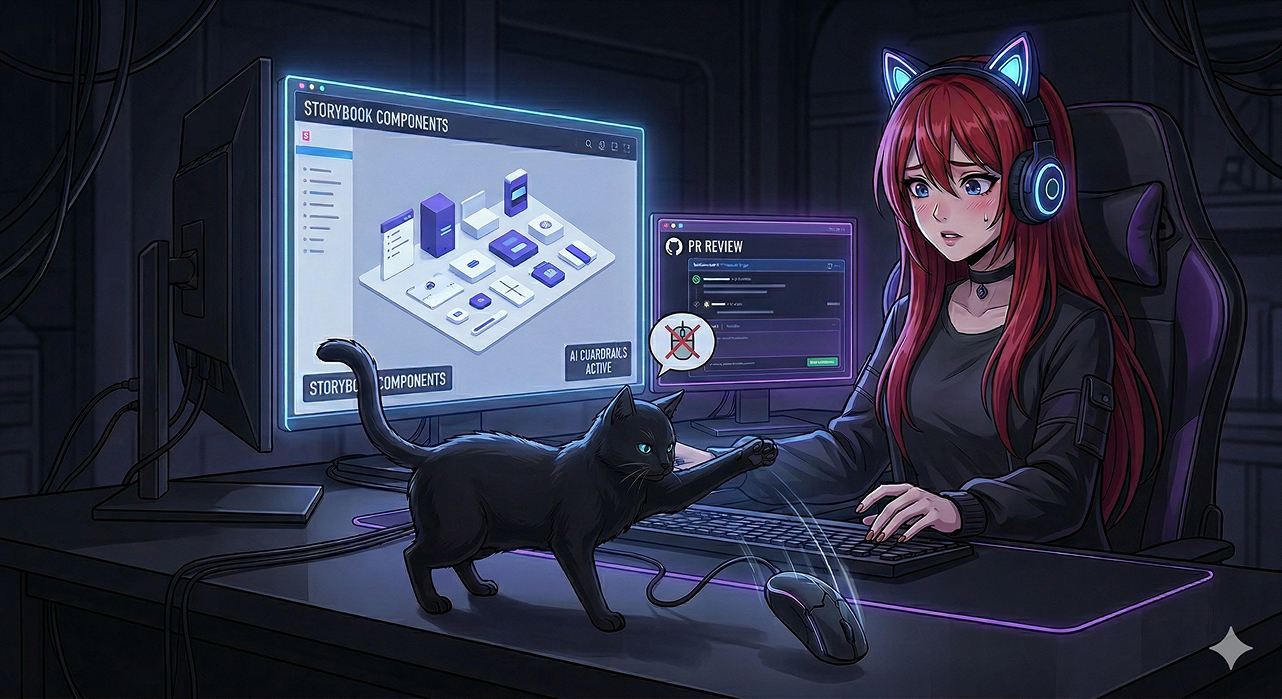
As fitting as that backdrop of fighting broken hardware was for a talk on eliminating friction, once we got rolling, the thesis was clear: The role of the UX Designer is rapidly evolving into the Design Engineer space, and those who embrace the technical side of the tooling are going to redefine how enterprise software is built.
Here is a look at the core workflows and "in-the-trenches" insights I shared during the presentation.
1. The Collaborative Component Library (With AI Guardrails)
A design system is only as good as its last implementation. When the UX Team partnered with Developers at AssetWorks to create a Common Component Library, the goal was to AVOID creating more friction for our engineering team. But the constant iteration to get the components right was a bottleneck.
With my newly found AI confidence and a Kiro license, I began interviewing the lead CCL developer all about his process. Based on that feedback, Kiro and I created rigorous steering documents and implemented AI-driven guardrails. We moved beyond "design guidelines" and started defining the code. By establishing the precise technical requirements for component creation, enhancement, bug fixes, upgrades, branching strategy, and version management—we unlocked a new level of velocity.
The most exciting result? Our developers no longer have to iterate with designers waving their hands and showing figma files during implementation of every new UI pattern. The development mentor only needs to step in for a final PR review, knowing the technical foundations are sound.
2. Sharing Code, Not Static Mocks
When you are operating in complex enterprise environments—especially those migrating massive legacy architectures, like hybrid ASP.NET to Angular 20—dogma doesn't work. You need sheer pragmatism.
Instead of handing off polished, static mocks and waiting for a developer to try and recreate them, I piloted a shift to handing off actual, executable front-end code sandboxes using Storybook components.
These sandboxes are fully responsive, the actual storybook components are used, the color tokens are automatically correct for dark mode switching, and they strictly adhere to the company's UX patterns for pages developed by the UX Team. This is co-building the final interface structure. This process eliminates the "interpretation gap" between a Figma file and the final application.
3. The Ultimate "Cheat Code": Fixing UX on the Fly
The most illuminating moment of the presentation happened during the Q&A chat, where we talked about the friction this code-centric approach eliminates.
When you are actually "in the code" building the sandbox, you catch your own UX gaps instantly. The interaction feels different when you are constructing it, and that allows you to self-correct.
Furthermore, by integrating tools like Kiro into the workflow, I get a real-time reality check. If I design an interaction that looks beautiful and complex in Figma, Kiro kindly lets me know if it's going to be an engineering nightmare to actually build and maintain.
I can immediately adjust the flow on the fly, avoiding impossible UIs before they are assigned. It saves everyone from an annoyed development team and stops endless sync meetings from being scheduled to negotiate alternative flows.
Looking Forward
The line between UX and Frontend is blurring beautifully. Shifting from treating pixels like polished artwork to treating them like critical infrastructure is making the work more fun, more collaborative, and significantly more efficient.
The conversation at Volaris was a great reminder of how hungry enterprise teams are for hybrid workflows. I am incredibly excited to keep pushing the boundaries of what these AI-assisted ecosystems can do.
(And additionally, if anyone has a recommendation for a durable, drop-proof mouse, please contact me.)