Every year, enterprise software companies face the same dreaded task: producing a VPAT (Voluntary Product Accessibility Template). For those lucky enough not to know, an ACR (Accessibility Conformance Report) documents exactly how your product conforms to WCAG standards. Procurement teams require it, customers expect it, and accessibility advocates rely on it.
The traditional approach? Weeks of manual agony. An accessibility consultant reviews the application screen by screen, tests with assistive technologies, cross-references against 87 WCAG criteria across three conformance levels, writes detailed remarks for each one, and produces a massive document that is usually outdated the moment the next sprint ships.
I wanted to try something different. What if, instead of manually auditing the UI, I used my AI-enabled workflow to audit the codebase?
Here is a practical walkthrough of how I used the Kiro IDE to generate a complete WCAG 2.2 ACR for our enterprise Angular application—and, more importantly, how I built a repeatable pipeline for next year.
The Setup
Our product, AssetWorks FA, is a massive fleet asset management application. It’s built on Angular and utilizes a shared Common Component Library (CCL) containing about 44 reusable UI components across 1,654 instances. We focused the scope on our two modern modules: Technician Portal and Admin Center.
The Tool: Kiro IDE. (For the uninitiated, Kiro is an AI-powered dev environment that can read code, search patterns across repositories, and generate documents based on what it finds.) The Goal: A complete VPAT covering WCAG 2.0, 2.1, and 2.2 at Levels A, AA, and AAA—plus a manual QA testing checklist for anything the static analysis couldn't definitively assess.
The Orchestrated Pipeline
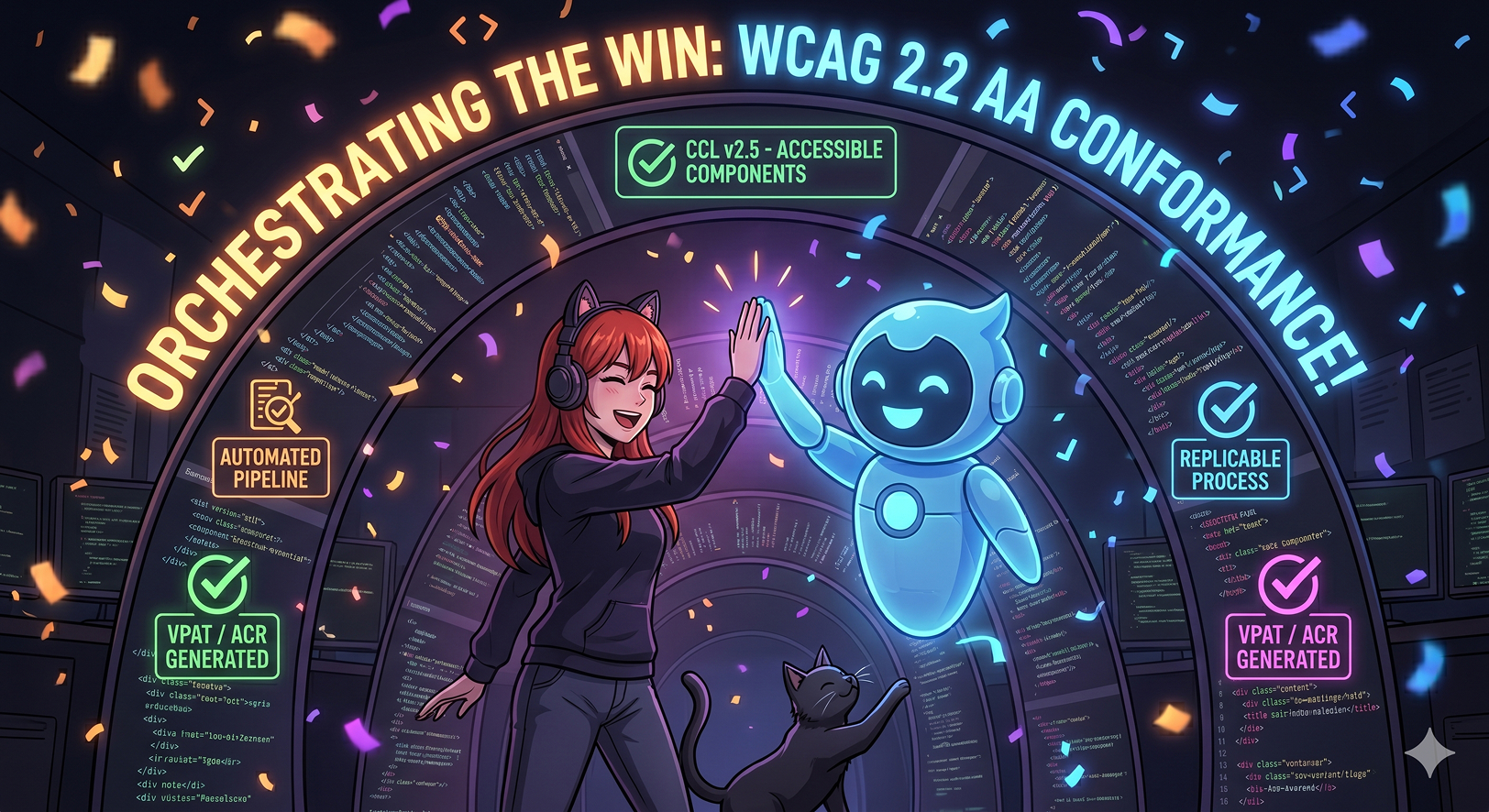
What emerged was a five-phase pipeline. I didn't just want a document; I wanted a repeatable process.
Phase 1: Scan the Component Library
I had Kiro scan our CCL source code specifically for accessibility patterns: ARIA attributes, keyboard interaction handlers, focus indicator styles, semantic HTML usage, color contrast tokens, and live region implementations. It searched for specific patterns like aria-label, (keydown), :focus-visible, cdkTrapFocus, and role= across every single component.
The output was a structured dataset mapping each component to the WCAG criteria it addresses, complete with evidence notes. Example: aw-dialog provides [ariaLabel] required input, uses native <dialog> element, cdkTrapFocus with Escape-to-close, [inert] when hidden, role="alert" on error messages.
This gave me the baseline. I knew exactly what accessibility support the library provided out of the box.
Phase 2: Scan the Application Usage
Next, Kiro scanned the FA-Suite application code (specifically the two modules in scope) to see how it used those components. Are the ariaLabel inputs actually being provided? Is there a valid page title strategy? Skip navigation links? Semantic heading hierarchy? Form labeling patterns? Focus management after dialogs close?
This is where the real findings emerged. The component library had strong foundations, but the application layer had implementation gaps. For instance, 63 out of 98 icon-only buttons weren't passing an ariaLabel, the page title was static across all routes, and section headings were rendering as <span> elements instead of proper <h1>–<h6> tags.
Phase 3: Reconcile with the Legacy VPAT
We had an old VPAT from a previous product version. I had Kiro compare each criterion's old assessment against our new scan findings, applying a terminology mapping (since the old product used different architecture) and updating the conformance levels where the code evidence warranted it. Some criteria were upgraded, some downgraded, and new WCAG 2.1 and 2.2 criteria were assessed from scratch.
Phase 4: Assemble the Document
Kiro assembled the complete VPAT following the official ITI Version 2.5Rev template structure. Header, tables, conformance levels, 87 rows of criteria—every row populated with detailed remarks referencing specific components and evidence from the codebase.
Phase 5: Generate the QA Hitlist
This is the magic step. For every criterion where static code analysis couldn't give a definitive answer, Kiro generated a manual testing checklist. It gave me specific workflows to test, exact interactions to perform, which VPAT criterion each test impacted, and a risk level.
The Human Pass (Because AI Can't Do Everything)
This is the part AI cannot do alone. I spent a morning with VoiceOver, keyboard-only navigation, and my browser DevTools working through the QA hitlist Kiro generated for me.
Some findings confirmed the static analysis. Others surprised me:
- Icon-only buttons did have accessible tooltips (Upgraded to Supports!)
- The login page already had autocomplete attributes (Upgraded to Supports!)
- But... dialogs weren't keyboard accessible; focus dropped to the browser address bar on close (Downgrade.)
- VoiceOver wasn't announcing toast notifications at all (Downgrade.)
I recorded my findings in a simple spreadsheet, fed it back to Kiro, and the AI updated every affected criterion in the VPAT, regenerated the Word document, and logged the changes in our README changelog.
The Real Win: A Reusable Workflow
The final document is great, but the real win is the pipeline. Everything is now set up for next year:
- The Steering Document: I built a conversational workflow guide. Now, when I mention "VPAT" in chat, Kiro walks me through the refresh step-by-step: checking the latest template, confirming scope, and kicking off the pipeline.
- Delta Scanning: Next cycle, Kiro doesn't need to rescan everything. It will compare the current component library against the previous scan findings and only flag what changed.
- Pandoc Conversion: One simple terminal command converts the Markdown VPAT to a perfectly formatted Word document:
pandoc AssetWorks-FA-VPAT-WCAG.md -o AssetWorks-FA-VPAT-WCAG.docx
What I Learned
Static analysis gets you 80% of the way. Keyboard support, ARIA attributes, semantic HTML—these are all visible in the source code. The AI can find them instantly. The remaining 20% genuinely requires a human with a screen reader.
The component library is your leverage point. Because we use 44 components across 1,654 instances, scanning the library once gives baseline coverage for the entire application.
The QA hitlist changes the conversation. Instead of vaguely stating "we need an accessibility audit," I was able to hand the team 21 specific things to test, prioritized by risk, with exact workflows. That is actionable.
VPATs should be living documents. Having the VPAT in version control with a changelog means it stays current with the product. When we fix that dialog keyboard issue, we update the criterion, log the changelog, and regenerate the doc.
The original Kiro summary said this took two days. In reality? The total hands-on time was just a few hours. I was doing other things while Kiro ran its tasks in the background. I would check in occasionally and give it permission to run something. Thankfully, Kiro is patient :)
The VPAT doesn't have to be a dreaded, multi-week annual slog. With the right AI tooling and a repeatable pipeline, it becomes a manageable, code-based process that actually improves your product's accessibility along the way.
#Accessibility #A11y #UXDesign #DesignEngineer #KiroIDE #WCAG #WebDevelopment