We talk a lot on this blog about using AI for complex enterprise software and front-end UI workflows. But this week, I had a massive revelation about practical AI, and it happened entirely away from my IDE.
It started with my roof.
The Folders and The Phobia 📂
I am highly meticulous about home documentation. Tom and I maintain a shared Google Drive that contains the entire history of our home. We have folders, sub-folders, and sub-sub-folders for everything: repair receipts, contractor info, warranties, insurance policies, and appraisals.
I also have a lifelong phobia of roof leaks. Growing up, we had a persistent leak in one of our closets, and whenever it rained, it caused a massive wave of stress in the household. Because of that, I am hyper-vigilant about staying on top of roof maintenance.
Our current home makes this a bit complicated. We have a hybrid roof—a small section is an old-fashioned South Philly-style flat rubber roof, while the gabled, sloped section features fiberglass shingles. I had been trying to get a contractor out for our 3-year inspection and was hitting a wall, which was sending my anxiety into overdrive.
The Experiment: NotebookLM 🧪
I decided to try something new. I took all of those meticulously organized PDFs, receipts, and inspection reports from our Google Drive and fed them directly into Google's NotebookLM.
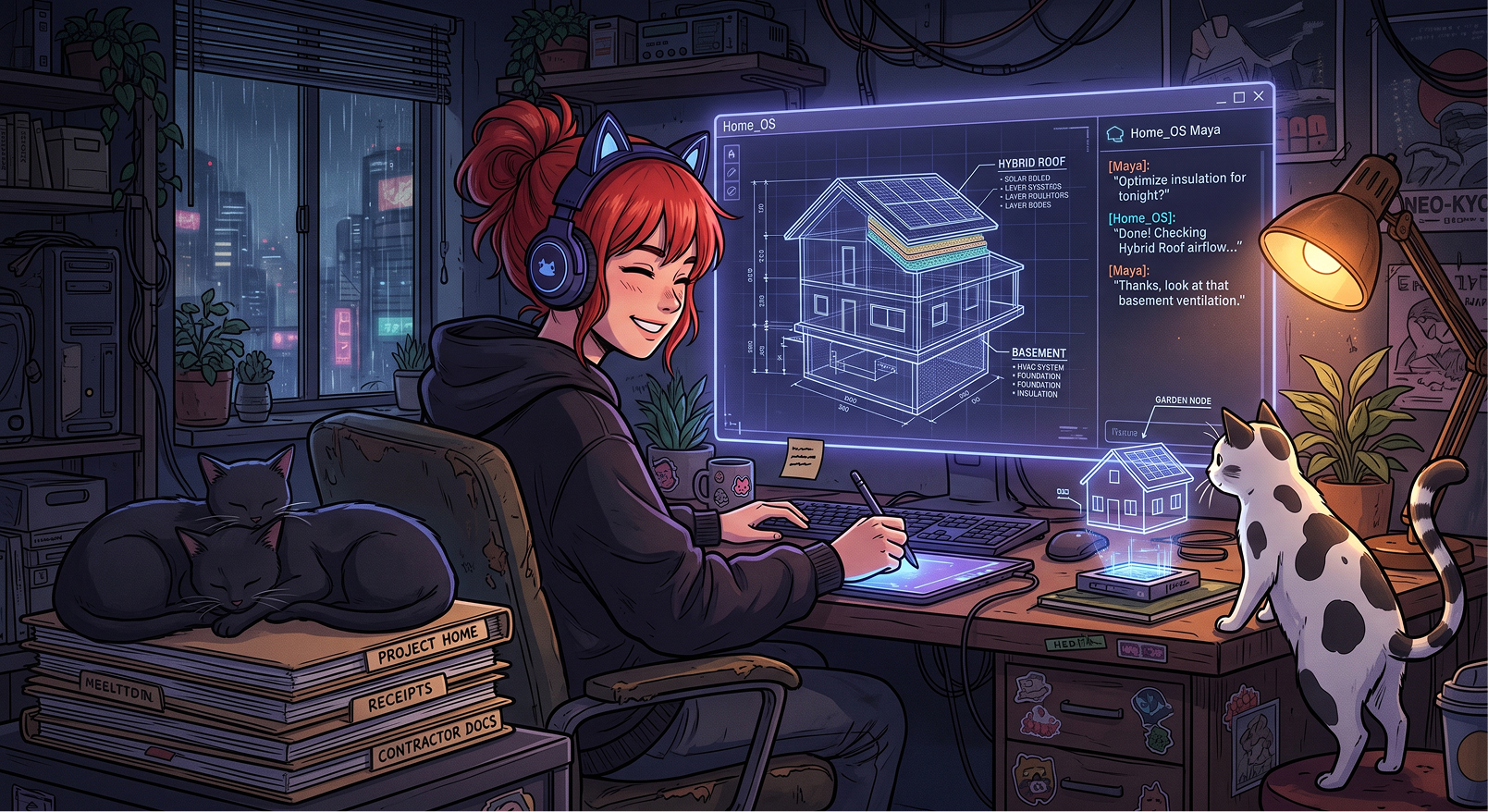
Suddenly, I had the ability to "talk to my house." 🗣️
I opened the chat and simply explained my concerns about the roof and my frustration with finding a contractor. The response was incredible.
Because it had the context of my actual documents, it didn't give me generic search advice. It told me exactly what kind of roof we had, the exact date it was last inspected, and summarized the specific notes the previous roofer had left.
The Thursday Checklist 📋
But it didn't stop at summarizing the past. It actively helped me plan the future.
The AI provided a fresh list of five local roofers I could call to get a free estimate. More importantly, it generated a highly specific, two-page checklist for me to print out and have at the ready. It listed exact questions I need to ask based on my roof's materials, such as having the contractor physically check if the seals around the fiberglass shingle section have dried out.
I called the first roofer on the list. They answered immediately and scheduled an inspection for this Thursday.
A New Kind of Context 🧠
The roof was just the tipping point. Now, I can ask this NotebookLM about absolutely anything concerning our property.
If I need to reference the complex details of our property tax appeals, I just ask. When I need to remember the exact perimeter measurements, the specialized caulk, or the sump pump cover I used during my DIY basement radon mitigation project, the AI recalls it instantly.
We spend so much time in the tech industry analyzing AI as a coding assistant or a copywriting tool. But this experience was a fantastic reminder of the power of hyper-personalized, localized context. By feeding my own raw, unorganized data into a private AI model, I turned a static filing cabinet into a proactive household manager.
Now, I just keep feeding it documents. Whenever I have a question about the house, I don't go digging through sub-folders anymore. I just ask the house.
#AI #NotebookLM #Productivity #LifeHacks #UXDesign #TechInRealLife #HomeMaintenance