As a UX Designer, one of the most time-consuming parts of maintaining a large-scale enterprise application is conducting thorough, consistent audits. Recently, I was tasked with auditing seven of our existing Angular modules at AssetWorks.
These modules needed to be evaluated against two distinct sets of criteria:
- WCAG Accessibility Standards
- Product Web Standards (our periodically updated internal UI rules covering things like dirty flag implementations, form error presentations, and attachment drawer layouts).
Instead of running these audits sequentially, I decided to leverage my Claude CLI workflow to run them concurrently using two separate AI sessions.
The Setup: Red vs. Blue Workspaces
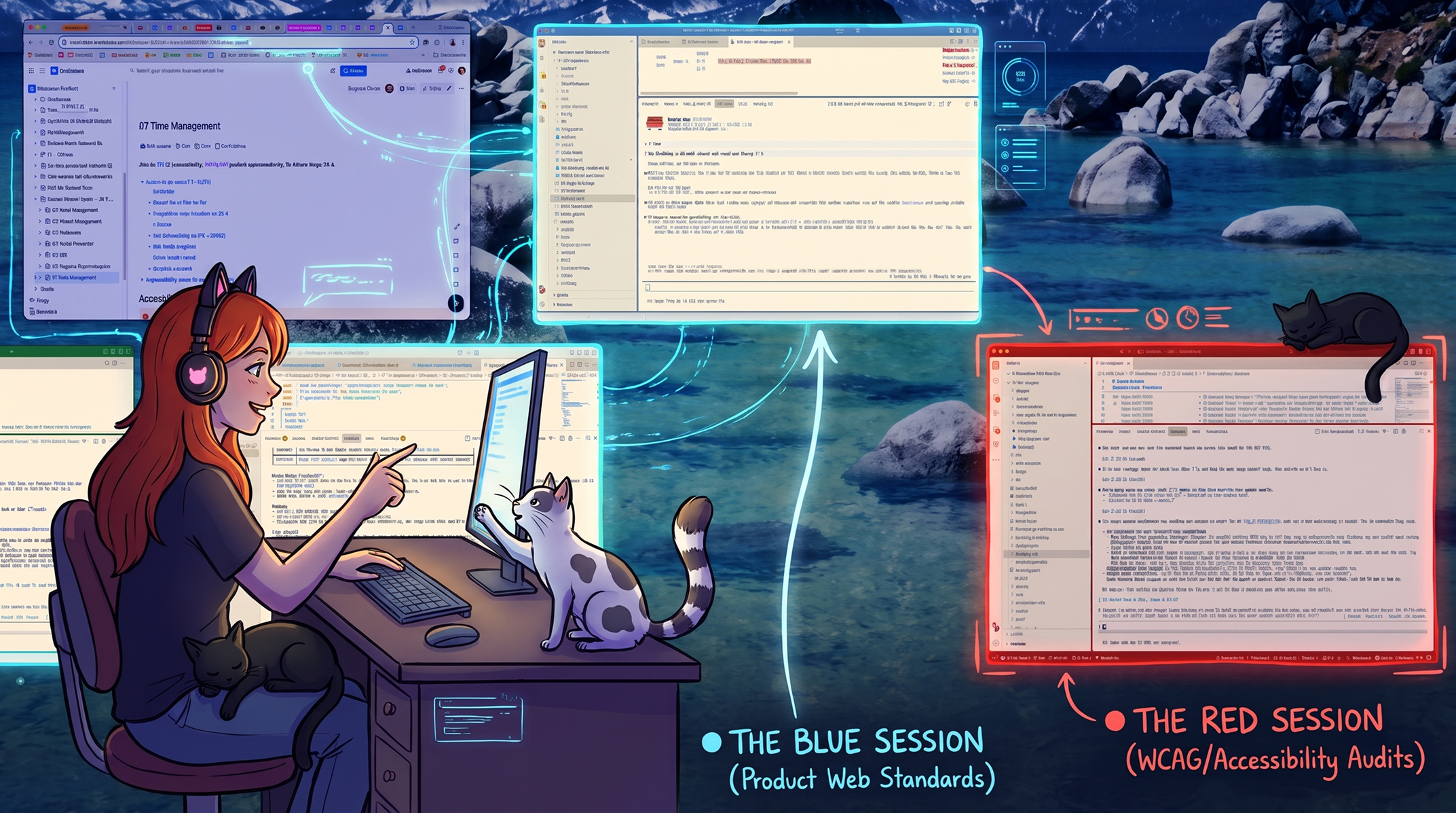
When you start running multiple CLI agents at the same time, it is incredibly easy to lose track of which window is doing what. To solve this, I use a UI hack in VS Code: I modify the workspace settings to physically change the color of the application's title bars and borders.
- The Red Window (WCAG): This session is dedicated to my accessibility skill. It checks the Angular modules, runs Playwright tests, and compiles the findings into an actionable report. It acts as the "parent," creating the primary Confluence page and the sub-pages detailing the accessibility audits and ticket bundles for our Product Manager.
- The Blue Window (Web Standards): This session audits the same modules against our internal UI standards. After I approve its findings, it writes its own respective sub-pages into the Confluence tree that the Red session created.
(Note: I usually use red for my migration work and blue for outsourced maintenance, but co-opting them for concurrent agent tasks has been a lifesaver for my cognitive load!)
The Magic: Agent-to-Agent Cross-Referencing
The most incredible part of this workflow wasn't just the speed of the audits—it was the communication between the two sessions.
There is naturally a lot of overlap between accessibility and product standards. For example, fixing a poorly structured form error state satisfies both WCAG requirements and our internal layout rules. If these audits were done in silos, we would end up with duplicate tickets, creating confusion for the development team and extra triage work for the PM.
To solve this, I had the sessions talk to each other.
Once the Blue session finishes its web standards audit, it cross-references its findings with the Red session's accessibility ticket bundles. If it detects an overlap, it doesn't create a new ticket. Instead, it dynamically links its Confluence documentation directly back to the accessibility ticket already generated by the Red session.
The Takeaway
Watching two separate, color-coded AI sessions pass information back and forth to deduplicate work and organize a Confluence tree is staggering. This multi-agent approach doesn't just speed up my workflow; it fundamentally elevates the quality and organization of the UX architecture I hand off to engineering.
#UXDesign #Frontend #AI #Claude #Angular #Accessibility #WorkflowAutomation #MultiAgent #AssetWorks #VSCode